 MirrorGo
Mirror your iPhone to a Roku
MirrorGo shows your iPhone screen, with sound, on Roku TVs (TCL, Hisense, Sharp and other Roku TV models) and Roku streaming players, over your Wi-Fi. It plays in the Roku's own player: nothing to install on the Roku.
How to do it
- Turn on the Roku and put your iPhone on the same Wi-Fi.
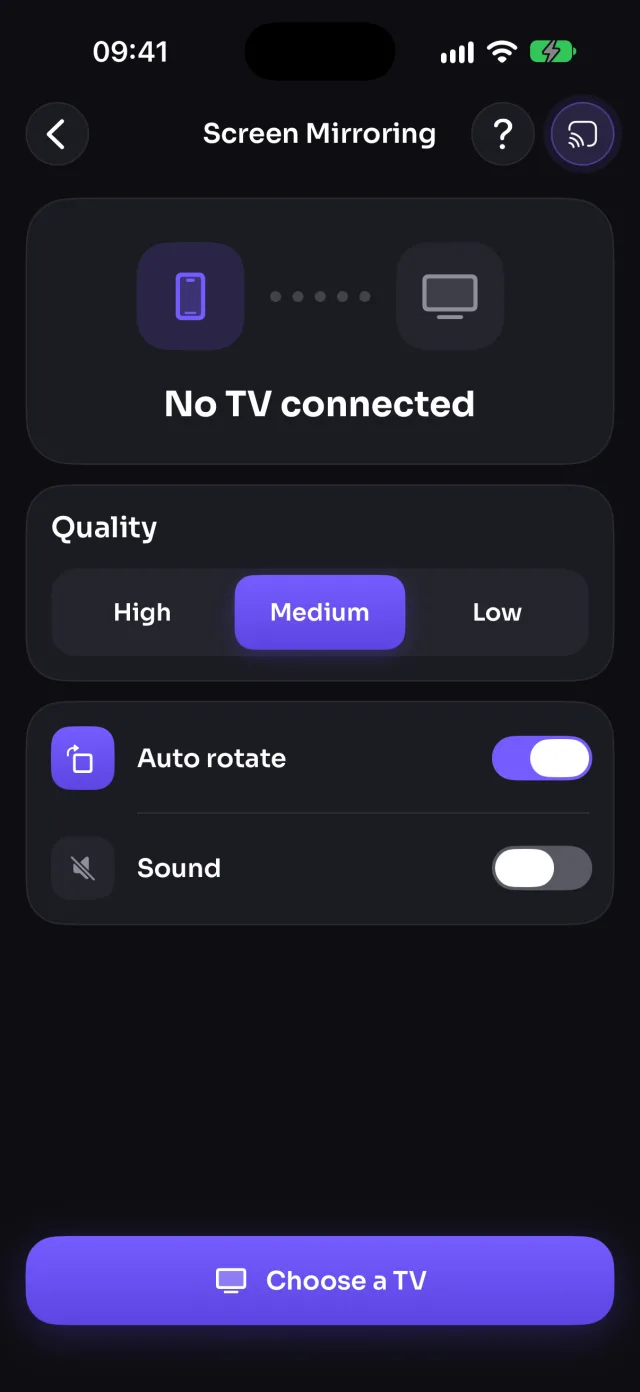
- Open MirrorGo, tap Connect your TV and pick your Roku.
- Open Screen Mirroring, tap Start mirroring, then Start Sharing (Start Broadcast before iOS 26).
- Your screen shows on the TV in a few seconds. To stop, tap Stop mirroring, or press Home on the Roku remote.
What you can do on Roku
- Screen mirroringWorksWith sound
- Photos & videosNot on this TVMirror your screen to show them
- CameraNot on this TV
- YouTubeNot on this TVUse the YouTube app on the Roku
- Web videosNot on this TV
- Live TV channelsNot on this TV
- Web imagesNot on this TV
Which Rokus work?
Roku TVs from TCL, Hisense, Sharp, Philips, Westinghouse and others, and Roku streaming players: the Roku Express, Streaming Stick and Ultra. MirrorGo finds them on your Wi-Fi.
If your Roku isn't listed
Make sure the phone and the Roku are on the same Wi-Fi (not a guest network), that MirrorGo has Local Network access in Settings, and that no VPN is on. On the Roku, open Settings › System › Advanced system settings › Control by mobile apps, and set Network access to Default.
How it works
MirrorGo talks to the Roku the way Roku's own mobile app does, over your Wi-Fi, and your screen plays in the Roku's built-in player as a live video stream from your iPhone. There's no Roku channel to install and no code to type. The picture runs a few seconds behind your phone.
Questions
Do I need to install anything on my Roku?
No. You only install MirrorGo on your iPhone; the Roku just needs to be on and on the same Wi-Fi.
Can I mirror my iPhone to a Roku without AirPlay?
Yes. MirrorGo doesn't use AirPlay, so it works with Rokus that don't support it.
Is there sound when I mirror my iPhone to a Roku?
Yes. The sound your apps play goes to the Roku with the picture. MirrorGo never sends the microphone.
Can I cast photos, YouTube or live TV to a Roku?
Not yet: on a Roku, MirrorGo mirrors your screen. To show your photos and videos, start screen mirroring and open them on your iPhone.